

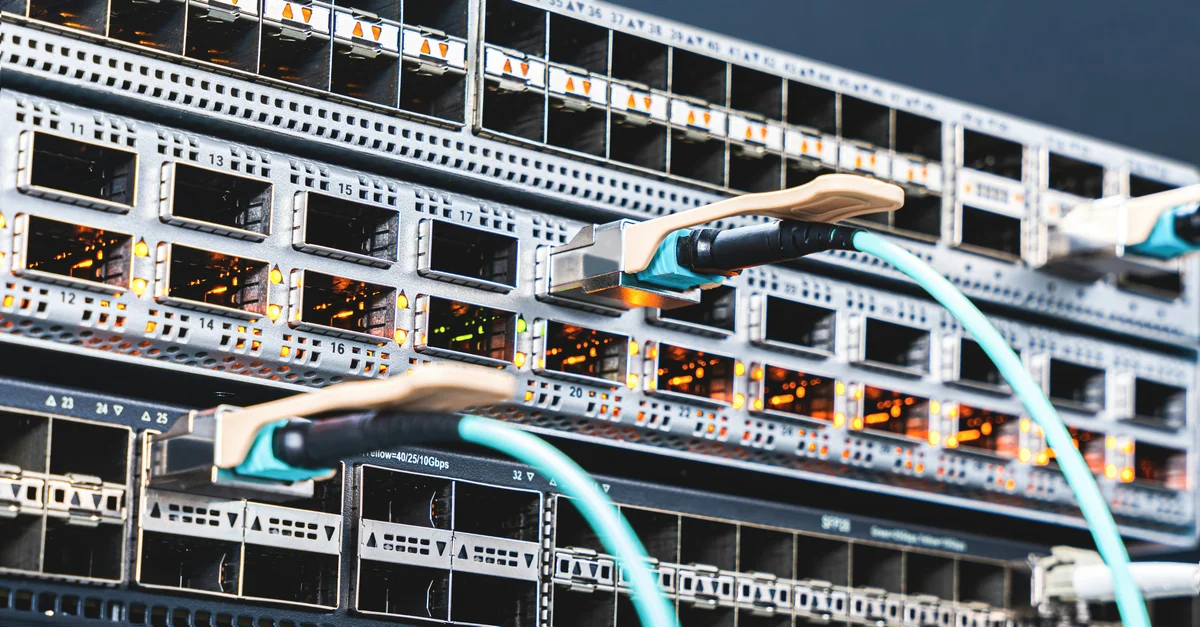

Achieving the best ways to reduce network latency for online gaming is the ultimate goal for competitive players in 2026 who demand razor-sharp responsiveness. Latency, often referred to as ping, represents the time it takes for data to travel from your gaming rig to the server and back again. Even a slight delay can result in missed shots, rubber-banding, or frustrating disconnects during high-stakes matches. While internet infrastructure has improved significantly, network congestion and hardware limitations remain common hurdles. By optimizing your local network environment, choosing the right connection type, and fine-tuning your system configurations, you can significantly diminish lag. This comprehensive guide explores the most effective strategies to stabilize your connection, ensuring your performance remains consistent and competitive in the fast-paced digital landscapes of modern gaming.
Switch to a Wired Ethernet Connection
The most impactful step you can take to minimize lag is ditching your wireless connection in favor of a stable Ethernet cable. Wi-Fi signals, even with the latest Wi-Fi 7 standards prevalent in 2026, are inherently susceptible to interference from physical walls, household appliances, and neighboring networks. A dedicated Cat6 or Cat7 Ethernet cable provides a direct, interference-free path between your router and your gaming device. This eliminates the packet loss and jitter common in wireless environments, creating a highly stable foundation for your gaming sessions. By bypassing the complexities of radio frequency management, you ensure that your data packets arrive with the consistency required for low-latency competitive play.
Once you connect via cable, ensure that your router settings prioritize your gaming device through Quality of Service (QoS) configurations. Most modern routers allow you to assign bandwidth priority to specific MAC addresses. By marking your PC or console as a high-priority device, you instruct the router to process your gaming traffic ahead of background activities like cloud backups or streaming services. This simple adjustment prevents your connection from becoming saturated when other household members are using the internet. Establishing this hardware-level priority is a cornerstone of professional gaming setups, providing a noticeable decrease in latency spikes during intense team battles or complex multiplayer interactions.
Optimize Your Router and Network Hardware
Maintaining high-performance network hardware is essential for keeping latency at an absolute minimum in 2026. If your router is aging, it may struggle to handle the high packet-per-second demands of modern multiplayer games. Upgrading to a router with dedicated gaming features or powerful processors can make a world of difference. Additionally, keeping your firmware updated is crucial, as manufacturers frequently release patches that improve stability and resolve known bugs. Check your manufacturer’s website or the router’s internal dashboard regularly to ensure you are running the latest software, which often includes under-the-hood optimizations for modern internet protocols and congestion management.
Understanding Bufferbloat and Mitigation
Bufferbloat occurs when your network equipment caches too much data, leading to increased latency under heavy load. To test for this, visit sites like Waveform to measure your bufferbloat score. If your results are poor, you can mitigate the issue by enabling Smart Queue Management (SQM) in your router settings. SQM intelligently manages the flow of traffic to ensure no single application, such as a large file download, hogs the available bandwidth. This technology is particularly effective at keeping pings stable during multi-user scenarios. By balancing your network load, you prevent the lag-inducing queues that often plague unoptimized home networks, resulting in a much smoother, more responsive gaming experience.
Reduce Background Traffic and Bandwidth Usage
Even with a fast internet plan, background traffic can quietly consume the bandwidth and processing power needed for a stable gaming experience. In 2026, many operating systems and background applications perform frequent, silent updates that can cause sudden ping spikes. Before launching your game, check your task manager or system tray to close unnecessary programs, including cloud storage sync tools, video streaming apps, and browser tabs with media content. These applications often trigger hidden network requests that interfere with the real-time synchronization required by game servers. By clearing your network of this “noise,” you leave the bandwidth clear for your game’s essential data packets.
It is also wise to schedule automatic updates for your operating system and game launchers to occur during off-peak hours. Many modern launchers allow you to pause downloads while a game is running, which is a feature you should always enable. Furthermore, if you share your home network, consider setting up a separate guest network for other devices or IoT gadgets. This keeps smart home devices, which often communicate with external servers, on a different bandwidth channel than your primary gaming traffic. By isolating your gaming device, you prevent random background data bursts from impacting your overall reaction time during critical moments in your favorite titles.
Reddit & Expert Community Consensus
“The consensus across competitive forums in 2026 is clear: don’t rely on Wi-Fi for ranked play. Even with the advanced beamforming of current routers, the latency jitter is impossible to fully eliminate. Most users on r/GamingPC report that switching to a Cat6 cable reduced their average ping by 15-20ms immediately. Furthermore, industry experts suggest that enabling SQM on your router is the single best ‘hidden’ setting for users with slower upload speeds. If you are experiencing micro-stutters, it is almost always a bufferbloat issue rather than an ISP problem. Always test your line quality at the router level before blaming your service provider.”
Pros and Cons Analysis
When considering different methods to reduce latency, it is important to weigh the benefits against the potential trade-offs. Below is a comparison table outlining the impact of the most common optimization strategies used by gamers today.
| Method | Pros | Cons |
|---|---|---|
| Ethernet Connection | Lowest latency, zero interference | Requires physical cable routing |
| QoS/SQM Configuration | Prevents spikes during load | Requires technical router access |
| Game Server Selection | Lower distance to server | Can lead to longer queue times |
| DNS Optimization | Faster lookup, better routing | Minimal impact on raw ping |
While physical connection methods like Ethernet offer clear advantages, software-based optimizations like DNS changes or QoS settings require more technical knowledge to implement correctly. It is essential to understand that no single setting acts as a “magic button” to solve all network issues. Instead, a layered approach—combining hardware stability with software efficiency—provides the best results. Be cautious of “gaming VPNs” or software that promises to lower your ping; while they can sometimes improve routing to specific servers, they often introduce their own latency overhead. Always prioritize a clean, direct connection to your ISP before adding additional software layers that could complicate your network path.
Frequently Asked Questions
Does a faster internet plan reduce ping?
Not necessarily. While a higher bandwidth plan helps prevent congestion when many people are using the network, ping is determined primarily by the physical distance to the server and the quality of the routing path, not by your download speed.
Are gaming VPNs worth the money?
They can be useful if your ISP has poor routing to a specific game server. However, for most users, a direct connection is faster. Only use a VPN if you notice consistent packet loss or high ping caused by inefficient ISP routing.
Does DNS server selection impact latency?
Switching to a faster DNS, such as Cloudflare or Google, can speed up the initial connection process. However, it does not significantly change the latency once you are already connected to a game server.
What is the ideal ping for competitive gaming?
For competitive shooters, anything under 30ms is considered excellent. Between 30ms and 60ms is acceptable for most genres, while anything above 100ms will lead to noticeable delays and disadvantageous gameplay.
Why does my ping spike at night?
This is often due to network congestion in your local area as more people come online and use the internet simultaneously. This is a limitation of your ISP’s infrastructure that is difficult to fix from home.
Conclusion
Reducing network latency is a continuous process of refinement that balances your hardware setup with smart network management. By committing to a wired connection, optimizing your router for traffic prioritization, and minimizing unnecessary background data, you create a robust environment for peak gaming performance in 2026. While some factors like geographic distance and ISP infrastructure remain outside your control, the steps outlined here provide the best possible chance to minimize lag and maintain a competitive edge. Keep your systems updated, monitor your network health regularly, and you will find yourself enjoying a smoother, more responsive, and ultimately more rewarding online gaming experience every time you log in.