

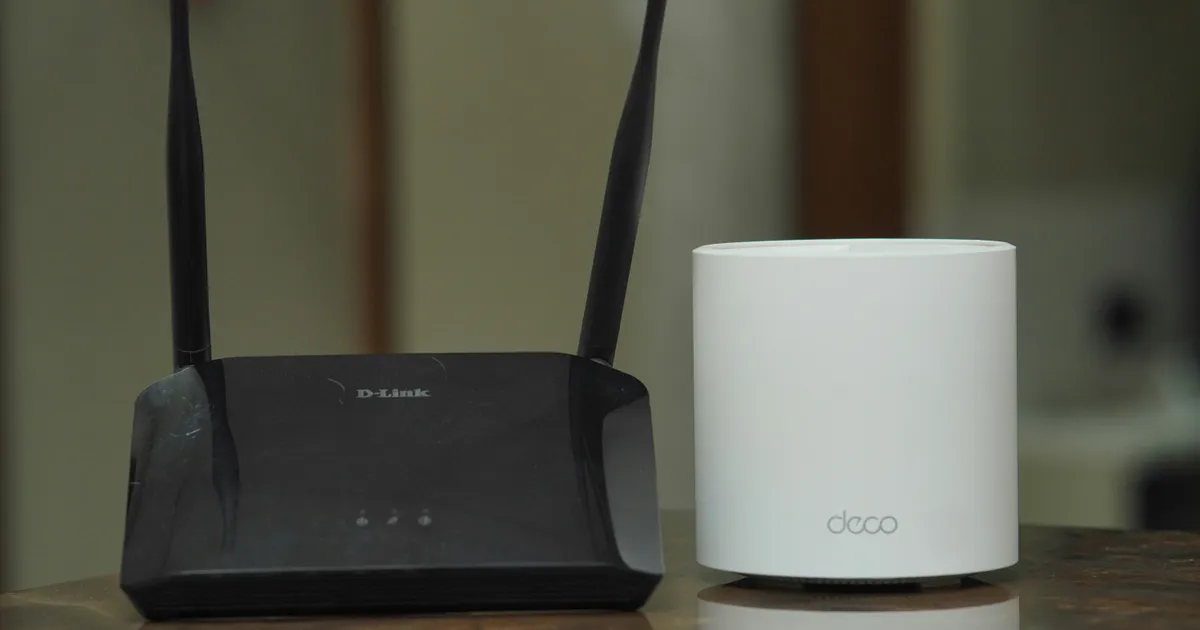

Choosing the right router involves carefully evaluating its features to ensure optimal performance, range, and robust signal strength for your specific needs. Routers have become indispensable components of modern homes and offices, facilitating seamless internet connectivity for a multitude of devices. This article delves into the crucial router features that directly impact network performance, range capabilities, and signal consistency, equipping you with the knowledge to make informed purchasing decisions and optimize your wireless network in 2026.
Wi-Fi Standards & Performance
The Wi-Fi standard a router supports is paramount to its overall performance. Newer standards, such as Wi-Fi 6 (802.11ax) and Wi-Fi 6E, offer significant improvements over older standards like Wi-Fi 5 (802.11ac). These advancements include faster maximum speeds, increased network capacity to handle more devices simultaneously, and improved power efficiency for connected devices, thus extending battery life on your smartphones and laptops. Investing in a router with the latest Wi-Fi standard ensures that you’re future-proofing your network and taking advantage of the highest possible speeds and efficiency available for your devices.
Moreover, the performance gains aren’t solely about theoretical maximum speeds. Wi-Fi 6 and 6E incorporate technologies like Orthogonal Frequency Division Multiple Access (OFDMA) and Target Wake Time (TWT) that dramatically improve real-world performance. OFDMA allows the router to transmit data to multiple devices simultaneously, reducing latency and improving responsiveness, especially in congested network environments. TWT allows devices to schedule wake times for data transmission, reducing power consumption and extending battery life. Before upgrading, consider what devices you have to connect and which Wi-Fi Protocol your devices are using.
Antenna Configuration and Range

The number and type of antennas significantly influence a router’s range and signal strength. Routers with multiple antennas, often configured in a MIMO (Multiple-Input Multiple-Output) setup, can transmit and receive data from multiple devices simultaneously, enhancing both range and data throughput. External antennas generally provide better range and signal penetration compared to internal antennas, allowing the signal to travel further and overcome obstacles like walls and furniture. The orientation of those antennas can also affect your signal strength.
Beamforming is another critical technology that focuses the wireless signal towards connected devices, rather than broadcasting it in all directions. This targeted approach enhances signal strength and stability, especially for devices that are located further away from the router. By directing the signal towards specific devices, beamforming minimizes interference and improves overall network performance, ensuring a more reliable connection throughout your home or office. Some routers also come equipped with high-gain antennas that focus the Wi-Fi signal even more effectively.
Understanding Mesh Wi-Fi Systems

Mesh Wi-Fi systems offer a compelling solution for extending wireless coverage throughout larger homes or offices. Unlike traditional range extenders, which can create separate networks and introduce performance bottlenecks, mesh systems utilize multiple nodes that work together to create a single, seamless Wi-Fi network. These nodes communicate with each other to dynamically route traffic and ensure optimal performance across the entire network.
Processor and Memory
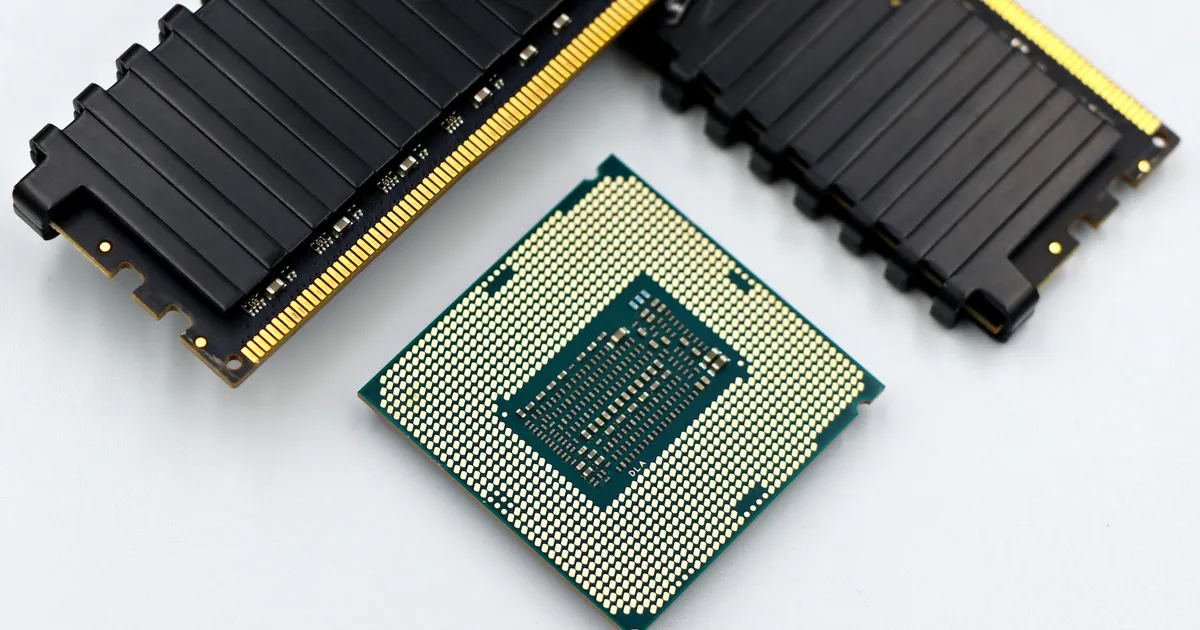
The router’s processor and memory play a crucial role in handling network traffic and managing connected devices. A more powerful processor can handle a larger number of simultaneous connections and complex tasks like QoS (Quality of Service) prioritization without experiencing performance degradation. Sufficient memory ensures that the router can efficiently store routing tables and other data required for optimal network operation. The amount of RAM can especially affect the performance of advanced router features.
When selecting a router, it’s essential to consider the number of devices you intend to connect and the types of applications you’ll be using. Homes with numerous smart devices, streaming video services, or online gaming activities will benefit from a router with a faster processor and more memory. These components are especially important with advancements in router technology. A less powerful router may struggle to keep up with the demands of a heavily used network, leading to slowdowns and connection issues. Pay close attention to those specs when buying a router.
Quality of Service (QoS) Features

Quality of Service (QoS) features enable you to prioritize network traffic based on application type, device, or user. By assigning higher priority to time-sensitive applications like video conferencing or online gaming, you can ensure a smoother and more responsive experience, even during periods of heavy network usage. QoS settings allow you to allocate bandwidth to specific applications or devices, preventing them from being starved for resources by other less critical traffic.
Effectively configuring QoS requires careful consideration of your network usage patterns. You can typically configure QoS settings through the router’s web interface, where you can define rules that prioritize specific traffic types. For example, you might prioritize video streaming traffic to ensure smooth playback or prioritize gaming traffic to minimize latency. Properly configured QoS can significantly improve the overall user experience, especially in households with multiple users and a variety of network-intensive applications. Prioritizing traffic can be extremely important in 2026, due to the amount smart devices using the internet.
Security Features and Protocols
Robust security features are paramount to protecting your network from unauthorized access and cyber threats. Look for routers that support the latest Wi-Fi security protocol, WPA3, which offers enhanced encryption and authentication compared to its predecessor, WPA2. Strong encryption helps to protect your data from being intercepted by malicious actors, while advanced authentication methods prevent unauthorized users from gaining access to your network. Many routers also include a built-in firewall.
In addition to WPA3, consider routers that offer advanced security features like guest network access, parental controls, and VPN support. Guest network access allows you to provide internet access to visitors without granting them access to your main network, protecting your sensitive data. Parental controls enable you to restrict access to specific websites or content, ensuring a safer online experience for your children. VPN support allows you to create a secure connection to your home network from remote locations, enhancing privacy and security when using public Wi-Fi networks. See the latest security recommendations at reputable sources such as the Cybersecurity and Infrastructure Security Agency (CISA) at https://www.cisa.gov.
MU-MIMO (Multiple User

MU-MIMO (Multiple User
The benefits of MU-MIMO are most noticeable when multiple devices are actively using the network simultaneously. For example, if several users are streaming video, playing online games, or downloading large files, MU-MIMO can help to ensure that each device receives adequate bandwidth and experiences minimal latency. While MU-MIMO improves performance, it’s important to note that the device also needs to support MU-MIMO. Without that compatibility, the device can not get the full MU-MIMO advantages.
Key Takeaways

- Prioritize routers with Wi-Fi 6 or 6E for superior speed and efficiency.
- External antennas and beamforming enhance range and signal strength.
- Mesh Wi-Fi systems are ideal for large homes and offices.
- A powerful processor and ample memory ensure smooth performance under heavy load.
- QoS features allow you to prioritize critical network traffic.
- Robust security features like WPA3 are essential for protecting your network.
Frequently Asked Questions
What is the difference between Wi-Fi 6 and Wi-Fi 6E?
Wi-Fi 6E extends the Wi-Fi 6 standard to the 6 GHz band, which is less congested than the traditional 2.4 GHz and 5 GHz bands. This results in less interference and potentially faster speeds, especially in areas with many Wi-Fi networks.
How many antennas do I need on my router?
The number of antennas depends on the size of your home or office and the number of devices you plan to connect. Generally, more antennas result in better range and signal strength. Look for routers with at least four antennas for larger spaces.
What is beamforming, and how does it help?
Beamforming focuses the wireless signal towards connected devices, rather than broadcasting it in all directions. This targeted approach enhances signal strength and stability, especially for devices that are located further away from the router.
Do I need a mesh Wi-Fi system?
Mesh Wi-Fi systems are ideal for larger homes or offices where a single router cannot provide adequate coverage. They create a seamless network with multiple nodes that work together to extend coverage throughout the entire space. You should consider one if your router struggles to reach areas of your house.
How important is router security?
Router security is extremely important. A compromised router can expose your network to unauthorized access, putting your personal data at risk. Always choose a router with robust security features like WPA3 and regularly update the firmware. Consider setting up a Guest Network to protect your personal devices from the IoT devices on your network.
Conclusion
Selecting the right router for your needs requires careful consideration of its features, performance, and security capabilities. By understanding the impact of Wi-Fi standards, antenna configurations, processor power, and security protocols, you can make an informed decision that optimizes your network for speed, range, and reliability. Investing in a high-quality router is a crucial step in ensuring a seamless and secure online experience for all your connected devices in 2026, while remaining protected.