



An unstable internet connection, characterized by random drops, can be incredibly frustrating, disrupting work, entertainment, and essential communication. Several factors can contribute to this issue, ranging from simple router problems to more complex network configurations. Properly diagnosing and addressing the root cause is crucial for maintaining a reliable and consistent internet service. Effective troubleshooting involves systematically checking each potential source of disruption, ensuring all devices and connections are functioning as intended and that appropriate network settings are optimized for stability. Learning effective debugging strategies can lead to a more seamless connectivity experience.
Check Your Modem and Router
The first step in diagnosing an unstable internet connection is to examine the modem and router. Both devices play a critical role in providing internet access to your home network. Begin by visually inspecting the devices for any physical damage or loose cables. Make sure all cables, including the coaxial cable connected to the modem and the Ethernet cable linking the modem to the router, are securely connected. An outdated or malfunctioning modem can also lead to connection problems, necessitating an upgrade to a newer model to support current internet speeds and protocols. Regularly checking these components can prevent many common connectivity issues.
Restarting your modem and router is a fundamental troubleshooting technique that often resolves temporary glitches. To do so, unplug both devices from their power sources, wait about 30 seconds, and then plug the modem back in first. Allow the modem to fully power on before plugging in the router. This process allows the devices to reset their configurations and re-establish a stable connection with the internet service provider (ISP). Performing this reboot periodically can improve the overall reliability of your home network, resolving intermittent issues that may arise from prolonged use. More detailed guidance can be found on websites like Lifewire, which provide extensive articles on network setup and troubleshooting.
Evaluate Wi-Fi Interference
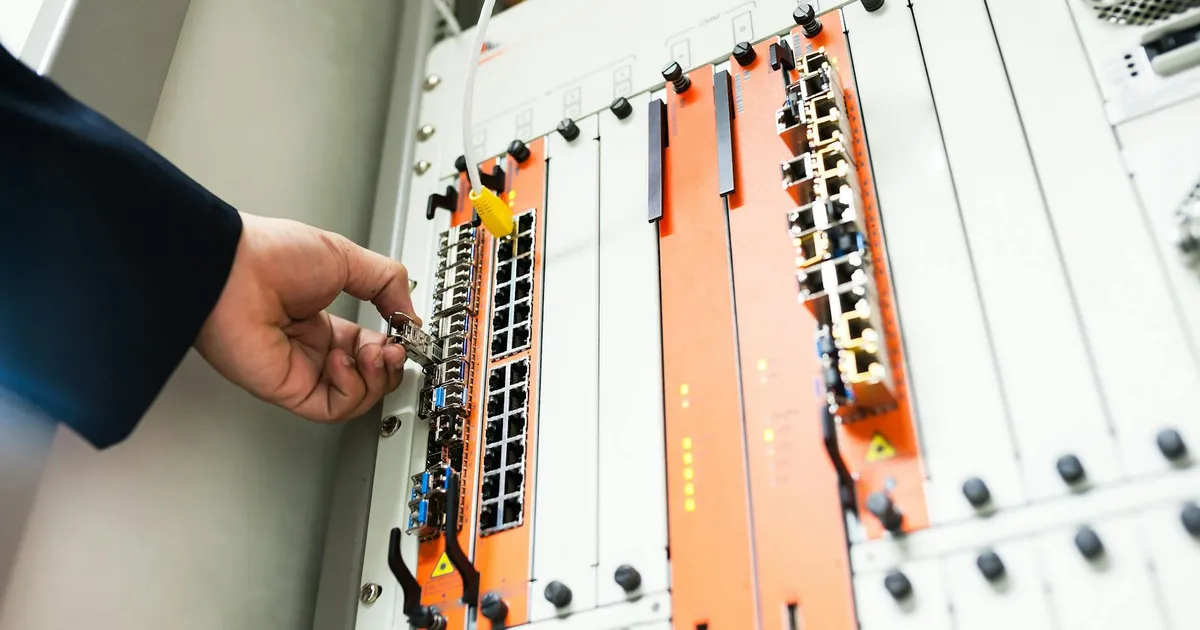
Wi-Fi interference is a common cause of unstable internet connections, especially in densely populated areas where numerous wireless devices operate. Other electronic devices, such as microwave ovens, Bluetooth devices, and cordless phones, can emit signals that interfere with Wi-Fi frequencies. To mitigate interference, try repositioning your router away from these devices and other potential sources of signal disruption. Elevating the router and placing it in a central location within your home can also help improve Wi-Fi coverage and reduce the likelihood of interference. Addressing these environmental factors can significantly enhance the stability of your wireless network.
Changing the Wi-Fi channel can also help avoid interference. Wi-Fi routers typically operate on either the 2.4 GHz or 5 GHz frequency band. The 2.4 GHz band has a longer range but is more prone to interference, while the 5 GHz band offers faster speeds but a shorter range. Using a Wi-Fi analyzer app on a smartphone or computer can help identify less congested channels. Configure your router to use a less crowded channel based on the analyzer’s findings to improve signal strength and stability. Many modern routers also support automatic channel selection, which can dynamically adjust to the optimal channel. Information on channel selection is available on sites such as Intel’s support pages.
Check Your Internet Speed

Inconsistent internet speeds can contribute to the perception of an unstable connection. Start by running a speed test using online tools provided by services like Speedtest by Ookla or Google’s speed test. Compare the results with the speed you are paying for according to your ISP plan. If the measured speed consistently falls short of the promised speed, there may be an issue with your internet service or equipment. Contact your ISP for assistance, as they can diagnose problems with the line or suggest upgrades to your modem or plan. Regularly monitoring your internet speed ensures you are receiving the service you are paying for and helps identify potential discrepancies.
Excessive bandwidth usage by multiple devices or applications can also slow down your internet speed and cause instability. Streaming high-definition video, downloading large files, and running multiple online games simultaneously can strain your connection’s capacity. Prioritize bandwidth for critical applications by using Quality of Service (QoS) settings on your router. QoS allows you to allocate more bandwidth to specific devices or applications, ensuring they have sufficient resources. Monitoring network usage using your router’s interface can help you pinpoint which devices or applications are consuming the most bandwidth, allowing you to optimize network performance.
Update Device Drivers and Firmware

Outdated network adapter drivers on your computer or mobile devices can sometimes cause connectivity issues. Visit the manufacturer’s website or use the device’s built-in update utility to download and install the latest drivers. Updated drivers often include bug fixes, performance enhancements, and compatibility improvements that can resolve connection problems. Keeping your drivers current ensures that your devices can communicate effectively with your network and the internet. Driver updates are often bundled within larger system updates offered by Windows, macOS, iOS, and Android operating systems.
Similarly, updating your router’s firmware is crucial for maintaining optimal performance and security. Router manufacturers regularly release firmware updates to address security vulnerabilities, improve performance, and add new features. Check your router’s web interface for an option to update the firmware. The update process typically involves downloading the firmware from the manufacturer’s website and uploading it to the router. Some routers support automatic firmware updates, which simplify the process. Regular firmware updates keep your router protected against potential threats and improve its stability. Guidance on updating firmware can be found on websites such as CNET or directly through your router manufacturer’s online support.
Address Network Congestion
Network congestion, particularly during peak hours, can lead to unstable internet connections. When many users are accessing the internet simultaneously in your area, the available bandwidth may be stretched thin, resulting in slower speeds and intermittent disconnects. One way to mitigate this is to schedule bandwidth-intensive activities, such as large downloads or streaming, for off-peak hours when network traffic is lower. Understanding peak usage windows can help better manage your internet habits and avoid congestion-related issues. Many ISPs also provide tools to monitor local network traffic trends.
Limiting the number of devices connected to your network can also alleviate congestion. Each connected device consumes bandwidth, so disconnecting devices that are not actively in use can free up resources for those that are. Consider using Ethernet cables for devices that require a stable and high-speed connection, such as desktop computers and gaming consoles. Ethernet connections provide a more reliable and faster connection compared to Wi-Fi, bypassing some of the potential congestion issues. Analyzing device usage and optimizing connection types can lead to a more stable network environment, especially in 2026 when more homes are expected to have multiple smart devices running simultaneously.
Evaluate Ethernet Cable Quality

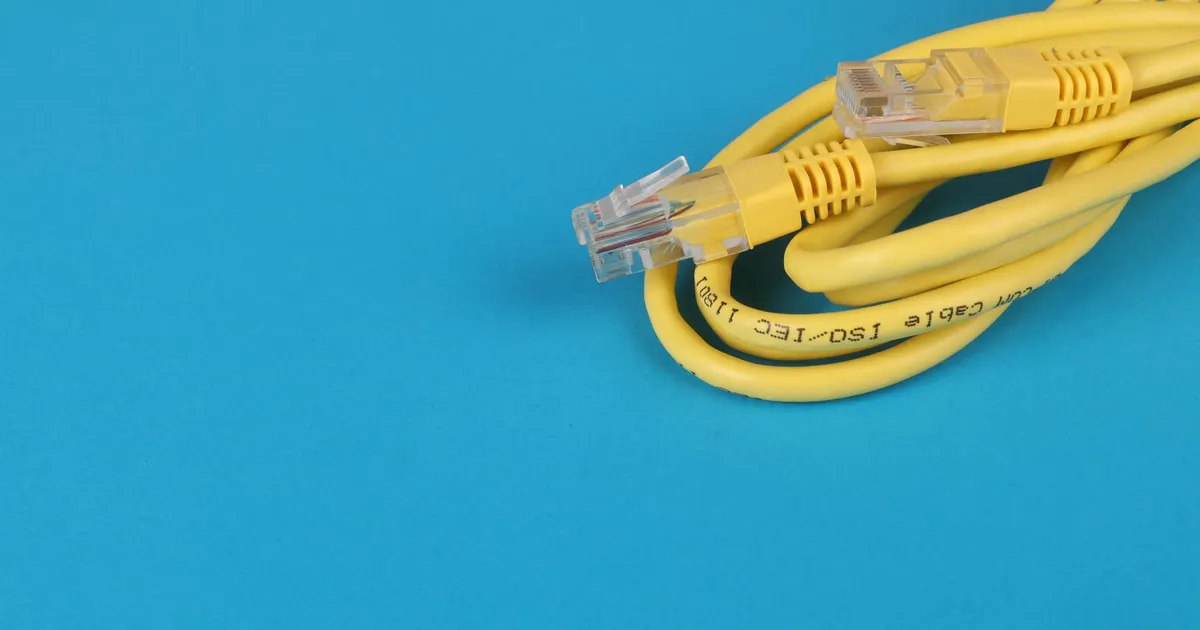
Even with wired connections, the quality and condition of Ethernet cables can significantly affect internet stability. Over time, cables can degrade, become damaged, or simply be of insufficient quality to support high-speed internet. Inspect Ethernet cables for any signs of physical damage, such as kinks, bends, or frayed connectors. Consider upgrading to Cat5e or Cat6 cables, as these are designed to handle gigabit Ethernet speeds efficiently. Ensuring that you have reliable, high-quality Ethernet cables is a often overlooked element of maintaining a stable connection.
Contact Your ISP
If you have exhausted all troubleshooting steps without success, it may be time to contact your ISP. There could be issues with the network infrastructure in your area or with the connection to your home that only your ISP can resolve. When contacting your ISP, be prepared to provide detailed information about the problems you are experiencing, including the frequency of disconnections, any error messages you have encountered, and the troubleshooting steps you have already taken. This information will help the ISP’s technical support team diagnose the issue more efficiently. Documentation of your troubleshooting efforts can expedite the support delivery.
Your ISP can run diagnostics on your line to identify any issues with signal strength, noise levels, or other technical problems. They may also be able to detect and fix problems with their equipment, such as faulty modems or outdated infrastructure. In some cases, they may need to dispatch a technician to your home to perform a more thorough inspection and implement necessary repairs. Maintaining clear communication with your ISP and providing accurate information is critical for resolving persistent internet connection problems. As technology advances, reliable internet is essential for daily activities, as highlighted by organizations like the Federal Communications Commission.
Key Takeaways

- Regularly restart your modem and router to resolve temporary glitches.
- Minimize Wi-Fi interference by repositioning your router and changing channels.
- Monitor your internet speed and contact your ISP if it’s consistently below expected levels.
- Update device drivers and router firmware to ensure compatibility and performance.
- Reduce network congestion by scheduling bandwidth-intensive activities for off-peak hours.
- Inspect and, if necessary, upgrade Ethernet cables for stable wired connections.
Frequently Asked Questions
Why does my internet randomly disconnect?
Random internet disconnections can be caused by various factors, including modem or router issues, Wi-Fi interference, outdated drivers, network congestion, or problems with your ISP’s equipment or service. Systematic troubleshooting is key to identifying the root cause.
How can I test my internet connection stability?
You can test your internet connection stability by running ping tests to various servers and monitoring for packet loss or high latency. Online tools like Pingtest can provide detailed reports on connection quality. Monitoring these metrics over time can show patterns.
What is the best way to improve Wi-Fi signal strength?
To improve Wi-Fi signal strength, reposition your router in a central, elevated location, away from obstacles and sources of interference. Use a Wi-Fi analyzer to identify less congested channels, and consider adding a Wi-Fi extender or mesh network for broader coverage.
Should I replace my router if my internet keeps disconnecting?
If your router is several years old or exhibits signs of malfunction, such as frequent crashes or inability to maintain a stable connection, it may be time to replace it. New routers often offer improved performance, security features, and support for the latest Wi-Fi standards.
How can my ISP help with an unstable internet connection?
Your ISP can diagnose problems with your line, check for issues with their equipment, and dispatch a technician to your home if necessary. They can also provide information about service outages or network maintenance in your area to identify potential causes of instability.
Conclusion
Addressing an unstable internet connection involves a methodical approach, beginning with checking basic hardware and software configurations and escalating to contacting the ISP for advanced diagnostics. Maintaining up-to-date drivers and firmware, mitigating Wi-Fi interference, and optimizing network usage habits are crucial steps. It is vital to remember in 2026 that a stable internet connection is no longer a luxury but rather a necessity for both work and leisure. By diligently implementing these strategies, individuals can significantly enhance the reliability and performance of their home network, ensuring seamless online experiences. Ultimately, patience and a systematic approach are key to resolving persistent connectivity issues and enjoying a dependable internet service.