

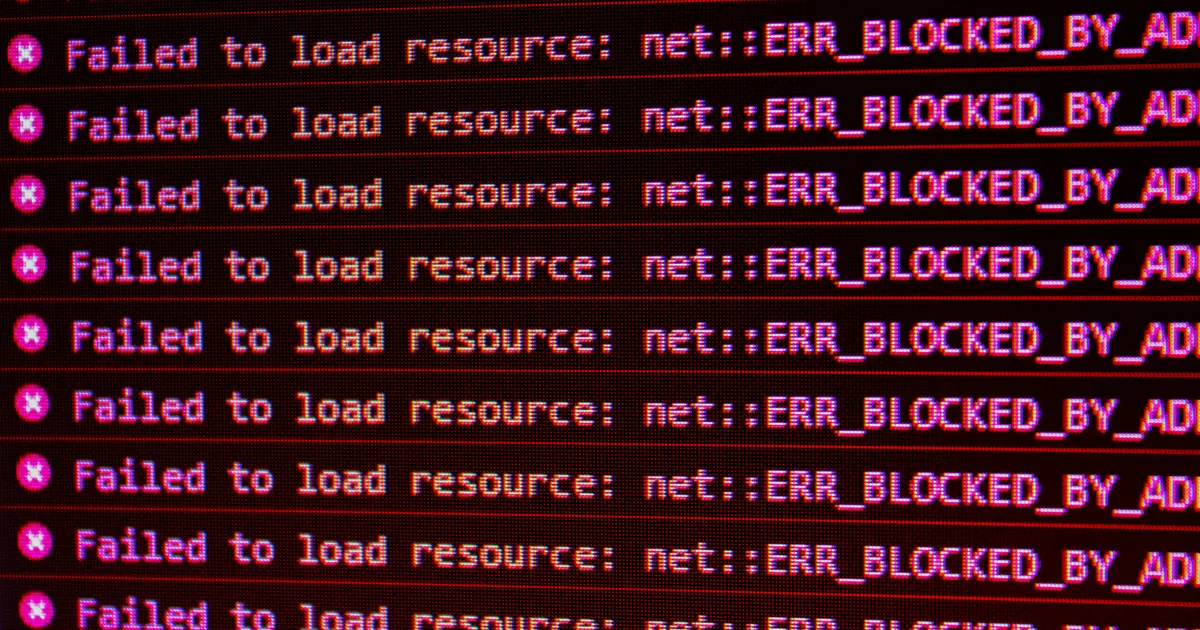

Network errors and packet loss can significantly disrupt online activities, ranging from streaming video to conducting business transactions. Diagnosing and resolving these issues efficiently is crucial for maintaining a stable and reliable network connection. Packet loss, the failure of data packets to reach their destination, results in incomplete data transmission, leading to frustrating experiences like choppy audio, frozen video, and sluggish application performance. Understanding the common causes and employing effective troubleshooting steps is essential for both home users and IT professionals in 2026.
Understanding Network Errors

Network errors manifest in various forms, each reflecting different underlying problems. Common indicators include slow loading speeds, frequent disconnections, and the inability to access specific websites or online services. These symptoms can stem from hardware malfunctions, software glitches, or configuration issues within the network infrastructure. Identifying the specific type of network error is the first step towards effective resolution. Analyzing error messages and monitoring network performance helps pinpoint the root cause, enabling targeted troubleshooting efforts. Employing network diagnostic tools can help isolate problems, for instance, identifying faulty cables or misconfigured IP addresses.
Several factors contribute to network errors. Overloaded networks, where too many devices are simultaneously using the bandwidth, can lead to congestion and errors. Faulty network hardware, such as routers, modems, or Ethernet cables, can also introduce instability. Software conflicts, outdated drivers, and misconfigured network settings further compound these problems. Environmental factors, such as electromagnetic interference, can disrupt network signals. Regular network maintenance, including hardware inspections and software updates, is critical for preventing network errors. Properly configured firewalls and security protocols help safeguard the network, preventing unauthorized access and potential disruptions. Refer to resources on network troubleshooting for further information.
Diagnosing Packet Loss
Packet loss, the failure of data packets to reach their destination, can severely degrade network performance. Symptoms include intermittent connectivity, garbled voice calls, and lagging video streams. Identifying packet loss requires specific diagnostic tools that monitor data transmission and detect missing packets. Ping tests, traceroute analyses, and specialized network analyzers provide valuable insights into packet loss rates and potential bottlenecks. A ping test determines if a network host is reachable, while a traceroute maps the path data takes to reach its destination, highlighting potential problem areas. Continuous monitoring of network traffic helps detect patterns and identify the source of packet loss.
Several factors contribute to packet loss, including network congestion, faulty hardware, and software issues. Congestion occurs when the network is overloaded with data, causing packets to be dropped due to insufficient bandwidth. Defective network cards, damaged cables, and malfunctioning routers can also lead to packet loss. Software bugs, misconfigured network settings, and outdated firmware further exacerbate the problem. Distance and network type can also play a role, as longer distances and wireless connections are more susceptible to interference. Properly configured Quality of Service (QoS) settings can prioritize critical traffic, helping to mitigate packet loss caused by congestion.
Using Ping and Traceroute
Ping and traceroute are essential tools for diagnosing network connectivity and identifying where packet loss occurs. Ping sends a small data packet to a specified IP address and measures the round-trip time (RTT). High RTT or packet loss indicates a problem with the network connection. Traceroute, on the other hand, maps the route that packets take to reach their destination, displaying each hop along the way. By identifying the hop where packet loss occurs, it becomes easier to pinpoint the source of the slowdown or disconnection. Both utilities are available on most operating systems and provide valuable insights into network performance. Regularly utilizing these tools enhances network troubleshooting capabilities.
Troubleshooting Hardware Issues

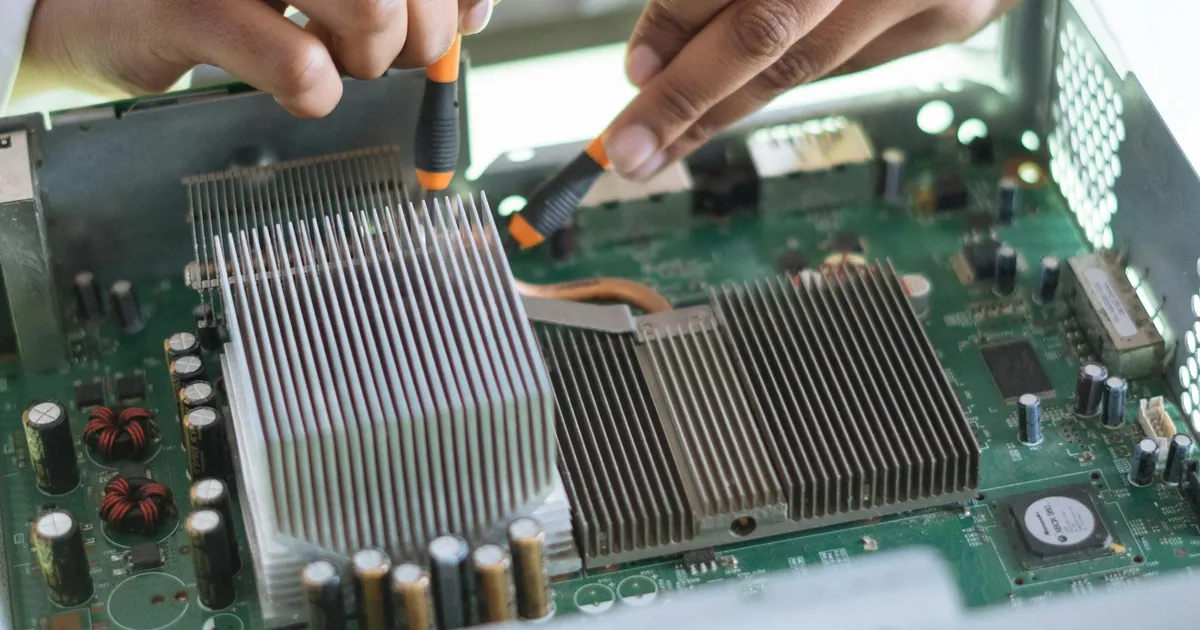
Hardware malfunctions are a common cause of network errors and packet loss. Routers, modems, and network interface cards (NICs) are all susceptible to failure. Regular physical inspections can help identify obvious issues, such as damaged cables or overheating equipment. Testing network cables with a cable tester can reveal connectivity problems or signal degradation. Replacing faulty hardware components is often necessary to restore network stability. Maintaining up-to-date firmware on network devices ensures optimal performance and security. Consulting manufacturer documentation and utilizing online resources can guide hardware troubleshooting efforts.
When troubleshooting hardware, a systematic approach is essential. Start by checking the power supply and ensuring that all devices are properly connected. Examine Ethernet cables for any signs of damage or wear. Test each cable with a cable tester to confirm its integrity. If a router or modem is suspected, try resetting it to its default settings. If the problem persists, consider replacing the device. When dealing with a network interface card, ensure that the correct drivers are installed and that the card is properly seated in its slot. Monitoring hardware performance metrics, such as CPU utilization and memory usage, can provide further insights into potential issues. For comprehensive guidance, various network troubleshooting guides offer detailed procedures.
Addressing Software and Configuration Problems

Software glitches and misconfigured network settings can significantly impact network performance, leading to both errors and packet loss. Incorrect IP addresses, DNS server settings, and firewall configurations can disrupt connectivity. Ensuring that devices are configured with the correct network parameters is critical. Regularly updating operating systems, device drivers, and security software prevents vulnerabilities and improves stability. Running network diagnostic tools can help identify configuration errors and software conflicts. Properly configured network settings enhance overall network performance.
Firewall settings, if too restrictive, can block legitimate network traffic, resulting in connectivity issues. Ensuring that firewalls are configured to allow necessary ports and protocols is crucial. Outdated or incompatible network drivers can also cause problems. Updating drivers to the latest versions resolves potential compatibility issues and improves performance. Software conflicts between different network applications can also lead to instability. Diagnosing and resolving these conflicts requires careful analysis and configuration adjustments. Regularly scheduled software updates minimize network disruptions.
Optimizing Network Performance
Optimizing network performance involves several strategies aimed at reducing congestion and improving data transmission efficiency. Prioritizing network traffic with Quality of Service (QoS) settings ensures that critical applications receive adequate bandwidth. Reducing unnecessary network traffic through traffic shaping techniques can alleviate congestion. Regularly monitoring network performance metrics, such as bandwidth utilization and latency, provides valuable insights into potential bottlenecks. Implementing these strategies improves overall network responsiveness and reduces the occurrence of packet loss. Staying updated with network optimization best practices ensures continued high performance.
Upgrading network hardware to newer, more efficient devices can also improve performance. Replacing older routers, switches, and network cards with modern equipment enhances data processing capabilities and increases bandwidth capacity. Wireless networks can benefit from upgrading to newer Wi-Fi standards, such as Wi-Fi 6, which offer faster speeds and improved reliability. Optimizing wireless channel selection reduces interference and improves signal strength. Regularly updating network infrastructure is essential for maintaining peak performance. In 2026, network demands will continue to increase, necessitating proactive optimization efforts.
Advanced Troubleshooting Techniques

When basic troubleshooting steps fail, advanced techniques are necessary for diagnosing and resolving complex network issues. Analyzing network traffic with packet sniffers, such as Wireshark, provides detailed insights into data transmission patterns. Examining log files on network devices can reveal error messages and other clues about the source of the problem. Consulting network documentation and vendor support resources offers additional guidance and potential solutions. Engaging with online forums and communities can provide valuable insights from other experienced users. Implementing these advanced techniques ensures thorough network troubleshooting.
Network segmentation, which involves dividing the network into smaller, more manageable segments, can isolate problems and improve overall security. Virtual LANs (VLANs) are a common method for implementing network segmentation. Each VLAN operates as a separate broadcast domain, reducing congestion and improving performance. Monitoring network security logs helps detect unauthorized access attempts and other security threats. Performing regular security audits ensures that the network remains protected against potential vulnerabilities. Implementing robust security measures is critical for maintaining network integrity and preventing disruptions. For advanced troubleshooting guidance, consult specialized network analysis resources.
| Issue | Common Causes | Troubleshooting Steps |
|---|---|---|
| Network Errors | Hardware malfunction, software glitches, configuration problems | Inspect hardware, update software, verify network settings |
| Packet Loss | Network congestion, faulty hardware, software issues | Monitor network traffic, replace faulty hardware, update software |
| Slow Speeds | Bandwidth limitations, overloaded networks, outdated hardware | Upgrade hardware, prioritize traffic, reduce congestion |
| Disconnections | Faulty cables, unreliable wireless connections, software conflicts | Replace cables, improve wireless signal, resolve software conflicts |
Key Takeaways
- Network errors and packet loss can significantly disrupt online activities.
- Effective diagnosis involves identifying specific error types and using network monitoring tools.
- Troubleshooting hardware issues includes inspecting cables, testing components, and updating firmware.
- Addressing software and configuration problems involves verifying network settings and updating drivers.
- Optimizing network performance requires prioritizing traffic and reducing congestion.
- Advanced techniques, such as packet sniffing and network segmentation, are crucial for complex issues.
Frequently Asked Questions
What is packet loss and why does it occur?
Packet loss refers to the failure of data packets to reach their destination during network transmission. This can occur due to network congestion, faulty hardware, software bugs, or interference. High packet loss rates result in slow speeds, choppy audio, and frozen video.
How can I diagnose packet loss on my network?
You can diagnose packet loss using tools like ping and traceroute. Ping tests verify connectivity and measure round-trip time, while traceroute maps the path data takes, identifying where packet loss occurs. Specialized network analyzers provide more detailed diagnostic information.
What are common causes of network errors?
Common causes of network errors include hardware malfunctions (e.g., faulty routers or cables), software glitches (e.g., outdated drivers or conflicting applications), misconfigured network settings (e.g., incorrect IP addresses or DNS settings), and network congestion due to heavy traffic.
How can I improve my network performance and reduce packet loss?
Optimizing network performance involves several strategies: prioritize traffic using Quality of Service (QoS), reduce unnecessary traffic through traffic shaping, upgrade network hardware, and optimize wireless channel selection to minimize interference. Regular network maintenance is also important.
What are some advanced troubleshooting techniques for network issues?
Advanced troubleshooting techniques include analyzing network traffic with packet sniffers (e.g., Wireshark), examining log files on network devices, consulting network documentation, and engaging with online forums and communities. Network segmentation using VLANs isolate problems.
Conclusion
Resolving network errors and packet loss requires a systematic approach, combining accurate diagnosis with effective troubleshooting strategies. By understanding the common causes, utilizing the appropriate diagnostic tools, and implementing performance optimization techniques, individuals and organizations can maintain a stable and reliable network connection. Regular maintenance and proactive monitoring will further mitigate potential problems, ensuring seamless online experiences in 2026 and beyond. Addressing these issues promptly minimizes disruptions and supports productivity.