



Selecting the right router is crucial for achieving high-speed internet and expansive coverage throughout your home, especially in 2026 when bandwidth demands are higher than ever. This guide demystifies the complex world of routers, helping you navigate the technical specifications and features to find the perfect fit for your needs. From understanding the different Wi-Fi standards to assessing your home’s layout and internet usage patterns, we’ll cover everything you need to make an informed decision. Get ready to say goodbye to dead zones and buffering issues and embrace a seamless online experience.
Understanding Wi-Fi Standards

Wi-Fi standards dictate the speed and range capabilities of your router. The latest standard, Wi-Fi 6 (802.11ax), offers significant improvements over its predecessors, including faster speeds, increased capacity, and better power efficiency. For a large home and high-speed internet, a Wi-Fi 6 router is generally recommended. Consider also the earlier Wi-Fi 5 (802.11ac), which can still be a viable solution depending on your budget and internet plan. To understand the different standards better, you may want to check independent reviews and tests on sites like Wirecutter.
Older standards like 802.11n are now outdated and unsuitable for modern high-bandwidth applications. Choosing a router with the latest Wi-Fi standard ensures future-proofing and optimal performance with the latest devices. Moreover, look for features like MU-MIMO (Multi-User, Multiple-Input and Multiple-Output) which allows the router to communicate with multiple devices simultaneously, preventing slowdowns when multiple users are online. Ignoring this aspect can lead to frustrating lag during peak usage times, especially in a household with many connected devices.
Assessing Your Coverage Needs

The size and layout of your home play a critical role in determining the type of router and network configuration you need. For larger homes or those with multiple floors and thick walls, a single router may not provide adequate coverage throughout the entire space. In such cases, a mesh Wi-Fi system is a better option. Mesh systems use multiple nodes strategically placed throughout the home to create a seamless and expansive network, eliminating dead zones and ensuring consistent performance. Prioritize strong coverage to ensure reliable internet access everywhere you need it.
Consider the placement of your router or mesh nodes carefully. Avoid placing them in areas obstructed by metal objects or thick walls, as these can interfere with the Wi-Fi signal. Central locations, elevated positions, and open spaces often yield the best results. Think about where you use the internet most frequently and ensure those areas have strong signal strength. For particularly challenging areas, consider adding additional mesh nodes or using Wi-Fi extenders to boost the signal even further.
Mesh vs. Traditional Routers

The core difference between mesh systems and traditional routers lies in how they distribute the Wi-Fi signal. Traditional routers operate as a single point of access, whereas mesh systems use multiple interconnected nodes. This provides superior coverage and seamless roaming, allowing you to move throughout your home without experiencing any drops in connection. Mesh systems are also generally easier to set up and manage through dedicated mobile apps.
Key Router Features to Consider
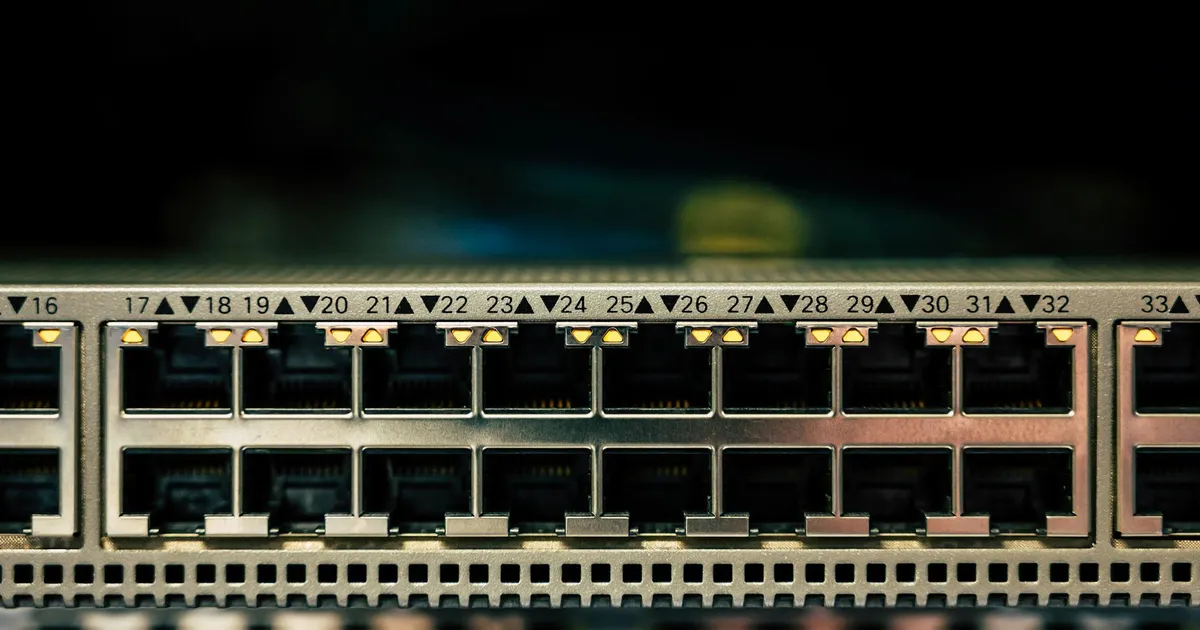
Beyond Wi-Fi standards, several other features can significantly impact your router’s performance. These include the number and type of Ethernet ports, the processor speed, and the amount of RAM. More Ethernet ports allow you to connect wired devices directly to the router for faster and more reliable connections. A faster processor and more RAM enable the router to handle more traffic and manage multiple simultaneous connections without slowing down. Don’t overlook Quality of Service (QoS) settings that can prioritize bandwidth for specific devices or applications.
Security features are also paramount, with WPA3 being the latest and most secure Wi-Fi encryption protocol. Make sure your router supports WPA3 for enhanced protection against unauthorized access. Parental controls are another valuable feature, allowing you to restrict internet access for certain devices or websites. Guest network access allows you to provide internet access to visitors without compromising the security of your main network. Consider the security features carefully to protect your data and privacy.
Understanding Router Specifications
Deciphering router specifications can be confusing, but understanding these details is crucial for making the right choice. Look for terms like “dual-band” or “tri-band,” which indicate the number of Wi-Fi bands the router supports. Dual-band routers operate on both 2.4 GHz and 5 GHz frequencies, while tri-band routers add an additional 5 GHz band for even better performance. The 2.4 GHz band offers longer range but slower speeds, while the 5 GHz band provides faster speeds but shorter range. Prioritize the 5 GHz band for devices that require high bandwidth and the 2.4 GHz band for devices that are further away from the router.
Another important specification is the maximum theoretical speed of the router, often expressed in Mbps (megabits per second) or Gbps (gigabits per second). While these numbers represent the maximum potential speeds, real-world performance may vary depending on factors such as interference and distance. Also, consider the router’s MU-MIMO capabilities and the number of antennas, as these factors can also impact performance. Look at independent reviews and tests to better gauge the real-world performance of different routers.
Budget and Brand Considerations

Router prices can range from under $50 to over $500, depending on the features and performance. While it’s tempting to opt for the cheapest option, investing in a higher-quality router can pay off in the long run with better performance and reliability. Consider your budget and prioritize the features that are most important to you. Reputable brands like Netgear, TP-Link, ASUS, and Google are known for producing reliable and high-performing routers. Some sources claim that Netgear’s Orbi series is one of the best mesh systems out there.
Read reviews and compare different models before making a purchase. Look for routers with positive customer reviews and good ratings from independent testing labs. Check the warranty period and customer support options, as these can be valuable in case you encounter any issues with your router. Consider factors such as ease of setup, management interface, and available features like automatic firmware updates.
Setting Up and Optimizing Your Router

Setting up your new router is generally a straightforward process, thanks to user-friendly setup wizards and mobile apps. Follow the manufacturer’s instructions carefully, and ensure that you choose a strong and unique password for your Wi-Fi network. Regularly update your router’s firmware to patch security vulnerabilities and improve performance. Consider optimizing your router’s settings to achieve optimal performance. Experiment with different channels to find the one that provides the least interference.
Enable Quality of Service (QoS) to prioritize bandwidth for critical applications like video streaming and online gaming. Regularly monitor your network traffic to identify any potential security threats or bandwidth hogs. By taking the time to set up and optimize your router properly, you can ensure a smooth and reliable online experience for everyone in your household. Consider consulting online resources and forums for tips and tricks on how to optimize your router’s performance. In 2026, network optimization skills are critical.
Key Takeaways
- Choose a router with the latest Wi-Fi standard (Wi-Fi 6 or Wi-Fi 6E) for optimal performance.
- Consider a mesh Wi-Fi system for large homes or those with challenging layouts.
- Prioritize security features like WPA3 encryption and parental controls.
- Pay attention to router specifications such as processor speed, RAM, and number of Ethernet ports.
- Read reviews and compare different models before making a purchase.
- Regularly update your router’s firmware and optimize its settings for best results.
Frequently Asked Questions
What is the difference between a router and a modem?
A modem connects your home to the internet service provider (ISP), while a router distributes the internet connection to multiple devices within your home. You typically need both a modem and a router for a functional internet connection.
How often should I replace my router?
Routers typically have a lifespan of around 3-5 years. However, you may need to replace your router sooner if it no longer meets your needs or if it’s running on an outdated Wi-Fi standard.
What is MU-MIMO?
MU-MIMO (Multi-User, Multiple-Input and Multiple-Output) is a technology that allows a router to communicate with multiple devices simultaneously, improving overall network performance, especially when multiple users are online.
How can I improve my Wi-Fi signal strength?
You can improve your Wi-Fi signal strength by placing your router in a central location, avoiding obstructions, and using Wi-Fi extenders or a mesh Wi-Fi system.
Is it worth upgrading to Wi-Fi 6?
If you have multiple devices and high-speed internet, upgrading to Wi-Fi 6 can significantly improve your network performance, offering faster speeds, increased capacity, and better power efficiency.
Conclusion
Choosing the right router for high speed and large home coverage requires careful consideration of your specific needs and budget. By understanding the different Wi-Fi standards, assessing your coverage needs, and prioritizing key features like security and performance, you can find the perfect router to meet your requirements. With a properly selected and configured router, you can enjoy a seamless and reliable online learning, entertainment, and professional experience. Furthermore, continuous improvements in router technology promise even faster and more efficient wireless networks in the years to come, making the right choice imperative.